Pokémon Go is one of the most trending games globally played by many users and it has taken the world by storm. This game is so addictive that gamers have gone to the extent of using drones and various methods that could help to speed up their progress. It has been almost two weeks since the game was released and now it has got millions of users in short span of time. Almost every user is seeking best tips and tricks to perform better in this game. And that is why we are here with a complete guide that will help you to know lots of amazing things that will help you to boost your gaming skill in this app. So have a look on complete guide discussed below to proceed.
Best Pokemon Go Tips, Tricks & Hacks 2016
Below guide represents some of the best tricks and hacks that you can use in the game to get the maximum number of pokemons in the game. So follow the below guide to proceed.
#1 Getting Pikachu As Your Starter Pokemon
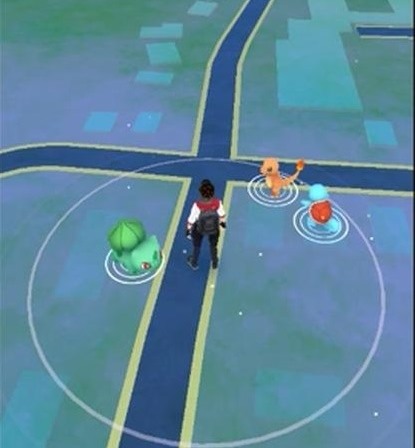
Many of you must want to get Pikachu as your starter Pokemon and here is the trick to get it. In the first run when you start the game then there will be three Pokemons which are Charmander, Bulbasaur, and Squirtle and if you ignore them and keep on moving then the fourth Pokemon that you will see will be Pikachu.
#2 Getting Pokemon Faster
Pokemon Go Trick
This game is on GPS track based and you need to find the Pokemon and the best way is to go to the location with higher cellphone traffic and for this you should go the places with high crowd like parks, public sectors, theaters, mall etc. There you will surely get lots of Pokemon to catch.
#3 Spoofing GPS For Pokeballs
Pokemon Go Trick
This is the best way to cheat the game and get the Pokemon easily. With the help of GPS spoofing you can easily move the location in the game without actually visiting the location. And for this, the first thing you need to do is to Root Your Androidand then you need an android app that will help you to spoof the GPS and for this Fake GPS Location Spoofer Freewill be greatly helpful. So go ahead and try this.
#4 Effective Way To Catch Pokemon
Pokemon Go Trick
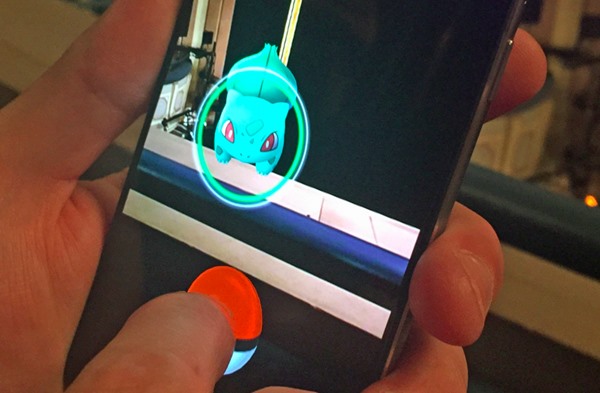
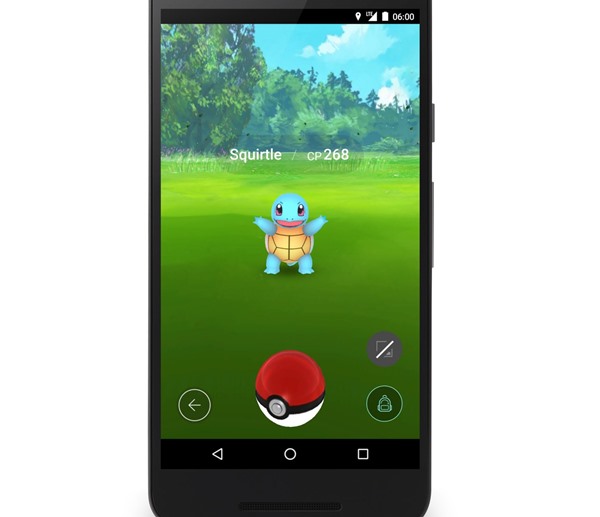
Many of the beginners must be facing the problem to catch a Pokemon. But here is the trick to do this effectively. You can simply long tap on Pokemon and wait for green vibes to come out as this is the best time to hit the Pokeball and get the Pokemon effectively.
#5 Recover Missed Pokeballs
Pokemon Go Trick
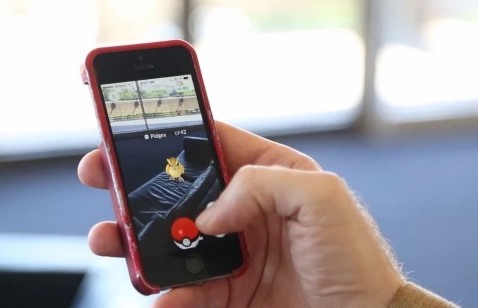
In the game you have limited number of Pokeballs and if you missed them all then it will be difficult to get a Pokemon, so better to recover them as they are missed by you. When you raise ball to get a Pokemon and the Pokeball get missed then be quick and tap on the Pokeball till its visible with this your Pokeball will get recovered.
#6 Get More Pokecoins For Free With Google Opinion Rewards
Pokemon Go Trick
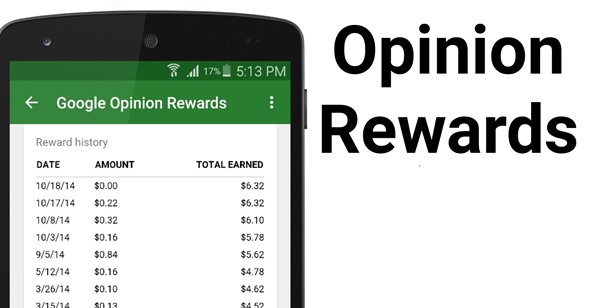
This is the another great way to get the game rewards easily in the Pokemon Go. And For this you can Download Google Opinion Rewards and with this you will get credits for your Google play Store that you can later use for getting Pokemon cash without using your actual cash.
#7 Implementation When you Run Out Of Incense
Pokemon Go Trick
when your run out of Incense then you must be looking for the method to bypass that and here we have a way that will helps you a lot. In this case you need to go to the nearest most populated Poké stop where people might a lure module and there you can easily get the incense.
#8 Turn Off Camera
Pokemon Go Trick
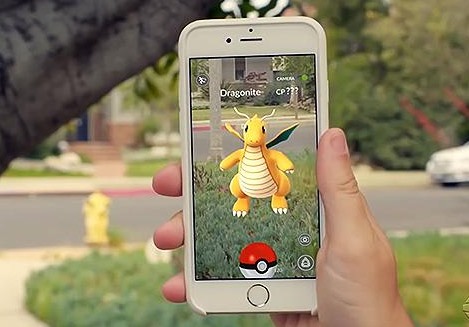
This is the another great way that will surely gonna help you a lot. Turning off the camera will help you a lot in catching the Pokemon as it will lead to remove .bith distractions as well as save your phone’s battery, so its better to turn camera off while catching Pokemon.
#9 Play Pokemon Go While Traveling
Pokemon Go Trick
This is the great way to get lots of Pokemon as while travelling you will get close from lots of Pokestops and you just need to take your phone out and then catch the Pokemon that you see while travelling. It can easily rise your Pokemon collection.
#10 Find ALL The Pokestops
Pokemon Go Trick
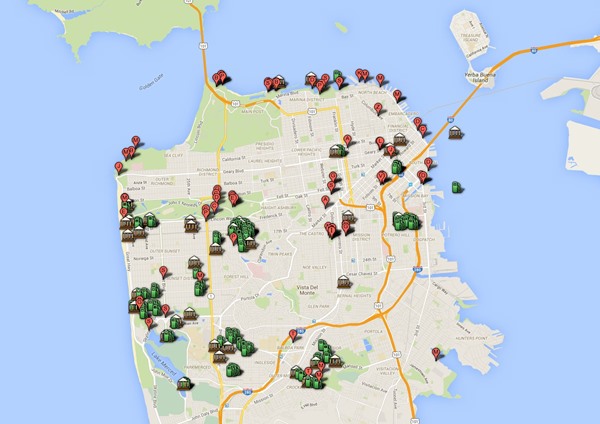
You can use the map in the app as this is user created and you will see all the pointing of the Pokestops all over the globe there and you can easily reach them to get the fill ups and your Pokemons.
So above are the Best Pokemon Go Hacks, Tricks And Tips 2016. Use these tips and you can easily make the great collection of amazing Pokemon around you can be a better game player among your friends. So try this out today. Hope you like the guide, keep on sharing with others too. Leave a comment below if you have any related queries with this.
- Scrolling screenshots are handy for capturing the entire webpage without breaking the screenshot. For example, you can quickly capture the chat screenshot as the whole thread, etc. Many Android screenshot apps are available on the Google Play Store. These apps allow users to combine multiple screenshots to create a scrolling screenshot effect, but this can be tedious. This article will share some of the best Android apps for scrolling screenshots. 1. Stitch & Share Stitch & Share is a free screenshot app available on the Google Play Store for Android. It can take screenshots of more than your screen. It partly captures web page screenshots and stitches them together to form a scrolling screenshot. With Stitch & Share, it’s pretty easy to capture scrolling screenshots. 2. Web Scroll Capture Web Scroll Capture is an Android screenshot app that lets you capture a profile from any social media website, such as Facebook, Instagram, Twitter, ...
On Instagram, you can exchange texts, make voice or video calls, send voice notes on messages, and more. However, many features of Instagram require access to your microphone, which can be annoying if it doesn’t work. Recently, many Instagram users reported problems using the Microphone. According to them, the Microphone does not work during voice/video calls, while recording videos, etc. So, if you’ve just recorded Reels, stories, and videos without sound, you need to check and resolve the Microphone problems. Below, we have shared some of the best ways to fix the problem. 1. Relaunch the Instagram App If you are experiencing Microphone not working problem on Instagram for the first time, you need to relaunch the Instagram app. Relaunching the app will possibly rule out all bugs and glitches preventing the Instagram app from functioning correctly. You can close and reopen the Instagram app. After you relaunch the app, try recording your voice in the message t...
Are you trying to find out how to access the dark web and what is it? Well, look no further, we have gone and done the research so we could show you step by step the best and safest way how to access the dark net.We cover everything, from setting up Tor, how to choose a VPN, what not to do, finding the best sites to access, and extra steps to remain anonymous.






Comments
Post a Comment